PixVerse is an AI-powered video generation platform.
It offers features like text-to-video, image-to-video,
AI effects, character animation, and short-form video creation.
However, many creators still look for alternatives because PixVerse can feel limited in areas like:
- Inconsistent motion in some clips
- Limited control over camera movement
- Short video duration and credit limits
Add to that a pricing system based on credits,
which can quickly become expensive if you generate multiple versions or need higher-quality exports.
All of this can make PixVerse a good but sometimes limiting option.
Luckily, there are several PixVerse alternatives that are better for
cinematic quality, creative control, faster generation, and overall video consistency.
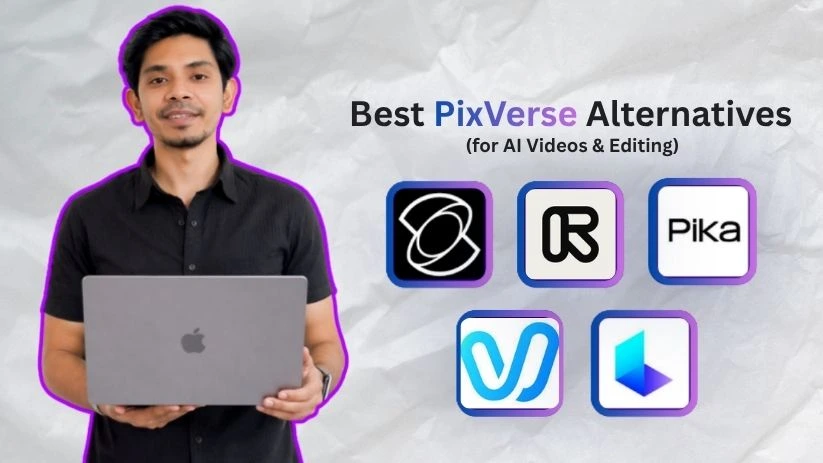
So, I decided to test and compare 5 of the best PixVerse alternatives and rank them based on video quality, ease of use, motion accuracy, and overall value.
Quick Comparison of the Best PixVerse Alternatives
Before we get into the full reviews, here’s a quick side-by-side look at how these PixVerse alternatives compare.
| Tool | Best For | Text-to-Video | Image-to-Video | Free Plan | Biggest Strength | Biggest Limitation |
| Kling AI | Cinematic realism | Yes | Yes | Limited/free credits | Realistic motion and physics | Can require prompt testing |
| Runway | Professional control | Yes | Yes | Yes | Editing, camera, and production workflow | Credits can become expensive |
| Pika | Social and creative edits | Yes | Yes | Limited | Fast iterations and fun effects | Less ideal for cinematic realism |
| Vidu AI | Fast coherent clips | Yes | Yes | Limited | Speed and image-to-video consistency | Short clip limits |
| Luma Dream Machine | Depth and natural motion | Yes | Yes | Limited | Camera-aware realism | Less template-driven |
Each tool has its own sweet spot. Kling AI is stronger for cinematic AI videos, Runway gives you more editing control, Pika is great for quick social media clips, Vidu AI is useful for fast image-to-video results, and Luma Dream Machine works well when you want natural camera movement and realistic scene depth.
Note: Pricing, free credits, and model versions change often, so readers should verify current plan details before subscribing.
Why Look for a PixVerse Alternative?
PixVerse is good, but not perfect
PixVerse is a useful AI video generator for quick text-to-video clips, image-to-video animations, viral effects, and stylized social media videos.
It’s especially handy when you want to turn a simple prompt or photo into a short AI video without learning complex editing software.
But once you start using it regularly, a few limits become easier to notice.
Common reasons users switch from PixVerse
Many creators look for PixVerse alternatives because they want:
- Better motion realism
- More stable characters and faces
- Stronger image-to-video consistency
- Better camera control
- Fewer prompt issues
- Longer or higher-quality clips
- More professional editing options
- Better free plan or credit value
- Commercial-use workflows
You can see this in real user discussions too. In one Reddit thread, a creator asked for a free image-to-video AI tool that allows around 8 videos per day, has fewer prompt restrictions, and works well for regular testing. Other users mentioned tools like Kling AI, Runway, Pika, DomoAI, Kaiber, ComfyUI, and AnimateDiff as possible options.
Source: https://www.reddit.com/r/AI_Agents/comments/1kng5sh/searching_for_a_free_image_to_video_ai_tools/
G2 also shows that PixVerse has limited review data, but one reviewer liked its prompt-based video quality while saying the paid plan prices could be lower.
That’s why tools like Kling AI, Runway, Pika, Vidu AI, and Luma Dream Machine are worth checking out. They can offer better results depending on whether you care more about cinematic quality, editing control, faster clips, or better value.
How I Evaluated These PixVerse Alternatives
Before picking favorites, I needed a consistent way to compare each tool against PixVerse.
Here’s the checklist I used, and it should work for you too, regardless of which AI video generator you’re evaluating:
- Video quality: How sharp, realistic, and polished are the final clips? Do the lighting, details, and scenes look usable?
- Motion realism: Do people, objects, and camera movements feel natural, or does the video look shaky and distorted?
- Image-to-video consistency: Can it animate a photo without changing the face, product, outfit, or main subject too much?
- Creative control: Does it offer useful controls for camera movement, duration, aspect ratio, effects, or editing?
- Ease of use: Is the tool beginner-friendly, or do you need a lot of prompt testing to get a decent result?
- Pricing vs. value: Are the free credits, export quality, and paid plans worth it for regular content creation?
I evaluated every tool on this list against these six points. You can use the same checklist to compare them on your end.
Top 5 PixVerse Alternatives
So here are the best PixVerse alternatives for creating better AI videos, image-to-video clips, cinematic scenes, and social media-ready visuals:
- Kling AI
- Runway
- Pika
- Vidu AI
- Luma Dream Machine
You can read my experience with the first three tools below:
1. Kling AI
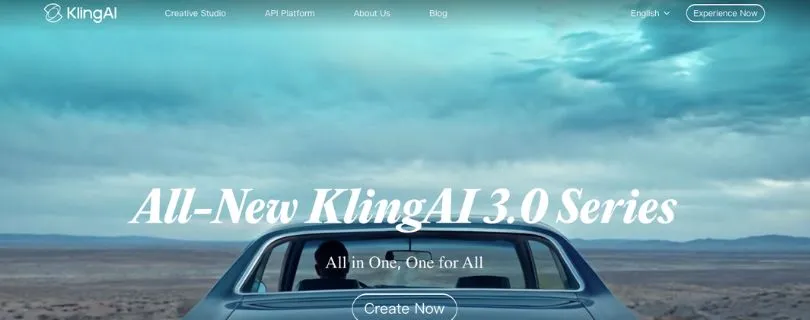
Best for: Creators, YouTubers, filmmakers, and brands that want cinematic AI videos with realistic motion, strong physics, and better character consistency.
Kling AI is one of the strongest PixVerse alternatives if your main goal is realism.
PixVerse is great for quick viral effects and stylized clips, but Kling feels more serious when you want natural camera movement, believable body motion, and image-to-video results that don’t look too random.
Kling supports text-to-video and image-to-video generation, and its newer models focus heavily on multi-shot scenes, character consistency, lip sync, and cinematic output.
Video generation options: Text-to-video, image-to-video, video references, cinematic scenes, lip sync, character motion.
Best use case: Realistic short films, AI ads, product videos, story-based clips, and YouTube visuals.
What Makes Kling AI a Better Alternative Than PixVerse?
Kling AI is a better PixVerse alternative when you care more about realism than quick effects.
PixVerse can create fun clips fast, but Kling usually feels stronger for scenes where movement matters. For example, if you’re animating a person walking, turning, talking, or interacting with an object, Kling gives you more believable motion and better visual continuity.
That is a big deal if you’re making content for ads, storytelling, product promos, or cinematic social media clips.
You can use Kling AI to:
- Turn still images into more realistic moving videos
- Create cinematic clips from text prompts
- Generate character-based scenes with better motion
- Create short AI film-style sequences
- Add lip sync and dialogue-style motion
- Build polished videos for YouTube Shorts, Reels, and ads
Reddit users often mention Kling as one of the stronger image-to-video tools, especially for 1080p output and color consistency, although some users also complain about pricing, wasted generations, and imperfect hand motion.
Key Features
- Text-to-video and image-to-video generation
- Realistic motion and natural physics
- Stronger character and subject consistency
- Multi-shot cinematic video creation
- Lip sync and talking character support
- High-resolution video output
- Useful for ads, short films, product demos, and social content
- Community inspiration and clone-style workflows for recreating ideas
Limitations
- Prompt testing is still needed to get the best result
- Some generations may look great while others miss the idea
- Free credits can feel limited if you’re experimenting a lot
- Complex hand movement and distant character motion can still break
- Not the simplest option for beginners who only want quick templates
If you’re mainly choosing between Kling and other AI video generators, I’d also suggest reading my Runway vs Kling comparison and Vidu vs Kling breakdown before deciding.
User Reviews
G2 users mention that Kling is simple for prompt-based creative video generation, and one reviewer liked its “video generation results across genres” and talking character output when the prompt is clearly written.
Product Hunt users also praise Kling for realistic motion and image-to-video quality, but a few note that it can be slow or struggle with accuracy at times.
—Read the review from Product Hunt
Pricing
Kling offers free access with credit-based usage and paid options depending on region, platform, and model access. The mobile app also lists in-app purchases, so the actual cost can vary based on how you use it.
If you’re only making a few experimental clips, the free credits may be enough to test it. But if you’re creating videos for clients, ads, or regular social content, you’ll probably need a paid plan or extra credits.
2. Runway
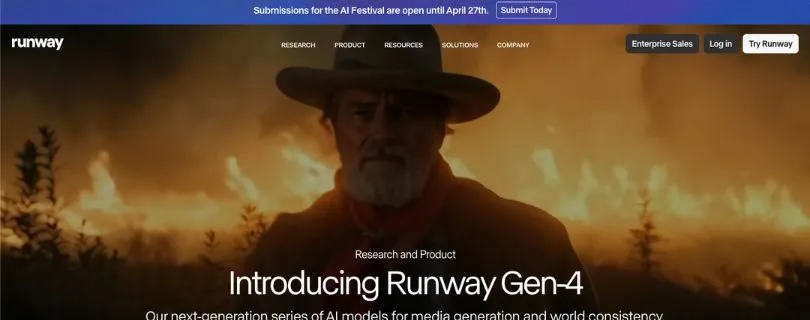
Best for: Creators, agencies, editors, and marketing teams that want AI video generation plus serious editing control in one workspace.
Runway is not just an AI video generator.
It feels more like a creative production suite where you can generate videos, edit footage, remove objects, change scenes, build workflows, and experiment with multiple AI models in one place.
That makes it a better PixVerse alternative if you want more control after the video is generated.
Video generation options: Text-to-video, image-to-video, video editing, performance capture, third-party model access.
Best use case: Professional AI video editing, ad concepts, storyboards, VFX-style clips, and creative production workflows.
What Makes Runway a Better Alternative Than PixVerse?
Runway is better than PixVerse if you don’t want to stop at “generate video.”
With PixVerse, the workflow is more about creating quick AI clips. With Runway, you can generate a clip, edit it, upscale it, remove unwanted elements, adjust the scene, and continue building the idea inside the same platform.
That’s why it works well for creators who need more than a fun viral effect.
You can use Runway to:
- Create text-to-video and image-to-video clips
- Edit generated or uploaded video footage
- Remove objects from videos
- Change lighting, backgrounds, or visual direction
- Build creative workflows using multiple models
- Create ad concepts, music video ideas, and cinematic drafts
- Test storyboards before spending money on production
Runway’s Gen-4 workflow supports 5-second and 10-second video generations, with different credit costs for Gen-4 and Gen-4 Turbo.
Key Features
- Text-to-video and image-to-video generation
- Gen-4.5, Gen-4, Aleph, Act-Two, and third-party model access on paid plans
- Video editing tools for changing scenes and removing elements
- Upscaling and watermark removal on paid plans
- Workflow builder for chaining creative steps
- Strong option for agencies and production teams
- Useful for ads, social content, VFX mockups, and storyboarding
Limitations
- Credits can run out quickly during trial-and-error work
- Free plan is useful for testing, but limited for serious projects
- Some advanced tools are only available on paid plans
- Outputs can still vary depending on the prompt and model
- May feel too much if you only want simple viral AI clips
User Reviews
G2 reviews praise Runway for ease of use, a clean interface, fast video creation, and flexible editing. At the same time, users also mention expensive cost, insufficient credits, and inaccurate results as common downsides.
One G2 reviewer described Runway as easy enough to start with right away, while another liked that prompting, image-to-video, and style controls didn’t feel overwhelming.
Pricing
Runway has a free plan with 125 one-time credits. Its paid plans start at $12 per user/month when billed annually, while Pro and Unlimited plans add more monthly credits, storage, and advanced features.
If you only need quick AI clips, Runway may feel expensive compared to simpler tools. But if you also need editing, production control, and multiple model options, the price makes more sense.
If Runway is on your shortlist, you can also check my Runway vs Pika comparison to see whether Runway’s professional workflow is worth it over Pika’s faster social-first style.
3. Pika
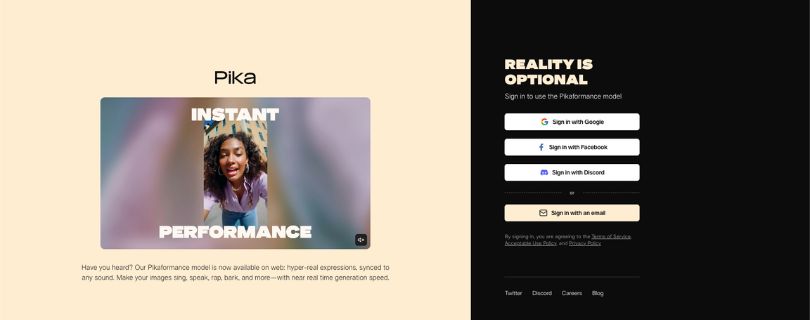
Best for: Social media creators, meme pages, influencers, and casual creators who want fast AI videos, fun edits, and creative effects.
Pika is a strong PixVerse alternative if you care more about speed, creativity, and playful editing than full cinematic realism.
It’s especially useful for creators making TikToks, Instagram Reels, YouTube Shorts, animated selfies, product teasers, and quick visual experiments.
Pika supports text-to-video and image-to-video generation, along with creative tools like Pikascenes, Pikaswaps, Pikadditions, Pikatwists, Pikaframes, and Pikaformance.
Video generation options: Text-to-video, image-to-video, video-to-video effects, creative templates, lip-sync style animations.
Best use case: Social clips, memes, trend videos, fast creative edits, and short-form content.
What Makes Pika a Better Alternative Than PixVerse?
Pika is better than PixVerse when you want fast creative control without making the process feel too serious.
PixVerse is already popular for viral effects, but Pika gives you a nice mix of AI generation and playful editing tools. You can animate images, swap objects, create stylized clips, and test ideas quickly.
It’s not always the best tool for realistic cinematic scenes, but for social media content, it’s very easy to like.
You can use Pika to:
- Generate short videos from text prompts
- Animate product photos or character images
- Create fun social media effects
- Turn selfies into trend-style AI clips
- Make quick Reels, Shorts, and TikTok visuals
- Test multiple creative directions fast
- Create video edits without learning traditional editing software
This makes Pika a good choice if you’re creating content for engagement, not necessarily film-level realism.
Key Features
- Text-to-video and image-to-video tools
- Creative effects like Pikaswaps, Pikadditions, and Pikatwists
- Pikaformance for synced expressions and audio-style performance
- Fast generation for short-form content
- 5-second and 10-second video options
- Free plan with monthly video credits
- Commercial use available on paid plans
- Good for creators who want fun, shareable clips
Limitations
- Less ideal for cinematic realism compared to Kling or Runway
- Free credits can disappear quickly during testing
- Some features and higher resolutions are paid
- Complex prompts may still need several retries
- Not the best fit for professional editing-heavy workflows
User Reviews
Product Hunt lists Pika at 4.8 based on 12 reviews, with users praising its text-to-video, image-to-video, video-to-video quality, camera controls, image animation, and face preservation. The main caution is that some features still feel early-stage or are not always broadly available.
—Read the review from Product Hunt
Pricing
Pika has a free Basic plan with monthly video credits. Paid plans start at $8/month when billed yearly, with higher tiers offering more credits, faster generations, watermark-free downloads, and commercial use.
If you’re a casual creator, the free plan is good for testing. If you’re posting regularly on TikTok, Instagram, or YouTube Shorts, the paid plans give you more room to experiment without worrying about every single generation.
For a deeper social-video comparison, I also compared Pika vs Luma Dream Machine, which is useful if you’re deciding between quick creative effects and more cinematic camera movement.
4. Vidu AI
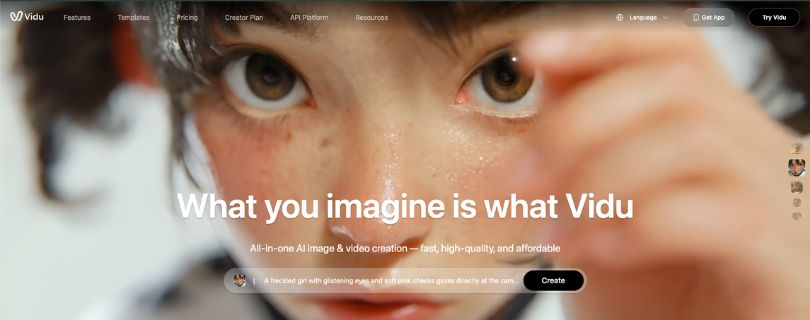
Best for: Creators, social media managers, anime creators, and small brands that want fast image-to-video clips with strong subject consistency.
Vidu AI is a good PixVerse alternative if you want quick results without spending too much time tweaking prompts.
It supports text-to-video, image-to-video, and reference-to-video, which means you can upload images of a person, product, character, or scene and use them as references for more consistent AI videos. Vidu also mentions support for duration, movement amplitude, resolution settings, and 4-second or 8-second video options.
Video generation options: Text-to-video, image-to-video, reference-to-video, templates, anime-style video, avatar-style video.
Best use case: Fast social clips, anime videos, product animations, simple storytelling, and image-to-video content.
What Makes Vidu AI a Better Alternative Than PixVerse?
Vidu AI is better than PixVerse when speed and consistency matter more than heavy editing control.
PixVerse is useful for quick viral effects, but Vidu feels especially strong when you want to animate a still image and keep the main subject looking stable. That makes it useful for product photos, character images, profile-style videos, and short social media clips.
You can use Vidu AI to:
- Turn product images into short AI video ads
- Animate portraits, characters, or anime-style artwork
- Create quick text-to-video clips from simple prompts
- Use reference images to keep people, objects, and scenes more consistent
- Generate short videos for TikTok, Reels, and YouTube Shorts
- Create smooth transitions using first and last frame controls
What I liked most is its reference-to-video workflow. Vidu says you can upload three or more reference images, and its “My References” feature lets you save characters, props, and scenes for reuse. That’s helpful if you’re trying to build repeatable AI video content instead of starting from scratch every time.
Key Features
- Text-to-video and image-to-video generation
- Reference-to-video for character, object, and scene consistency
- First and last frame controls for smoother transitions
- Multi-subject consistency for videos with more than one person or object
- Realistic and animated video styles
- Templates for viral-style videos
- 4-second and 8-second video duration options
- Free monthly credits for testing the tool
Limitations
- Short clip duration can feel limiting for longer storytelling
- You may still need a few retries for complex prompts
- Some advanced consistency features may work better on higher plans
- Free credits can run out quickly if you test many versions
- It is better for short clips than full video editing workflows
User Reviews
Vidu has strong app-store feedback around video quality and consistency. On the App Store, one reviewer praised its sharp details, smooth motion, character locking, and ability to create multiple consistent characters. Another reviewer liked the Reference to Video feature but said it still takes some trial and error.
—Read the review from App Store
Google Play reviews are more mixed. One user said Vidu worked well for free image-to-video generation and liked that it didn’t change facial features too much. Another said the tool is worth trying, but the daily credit limit can feel restrictive if you don’t plan to pay.
—Read the review from Google Play
Pricing
Vidu offers free credits, and its AI video generator page says users receive 40 free credits per month.
Its pricing page lists Free, Standard, Premium, and Ultimate plans, but the live pricing table may load dynamically, so it’s better to check the current pricing directly before upgrading.
If you mostly create quick clips for social media, Vidu can be a good value. But if you’re producing lots of versions every day, keep an eye on how fast your credits disappear.
If Vidu AI sounds interesting mainly for image-to-video or reference-based clips, my Vidu AI review and Vidu vs Kling comparison go deeper into where it works best.
5. Luma Dream Machine
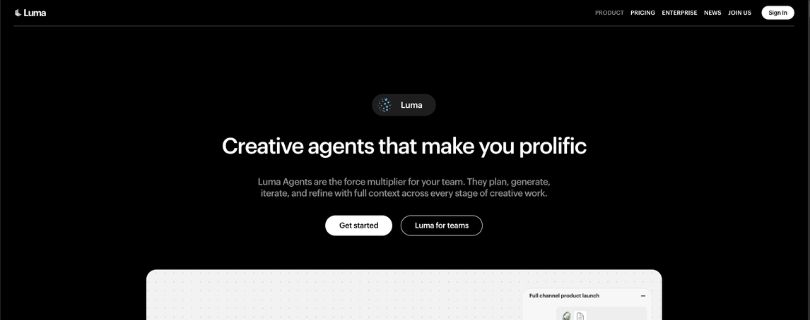
Best for: Creators, marketers, filmmakers, and brands that want realistic scene depth, natural camera movement, and cinematic AI video clips.
Luma Dream Machine is another strong PixVerse alternative, especially if you care about natural motion and camera-aware scenes.
It can generate videos from text, images, or prompts, and Luma positions it for creators, businesses, marketers, educators, social media content, product demos, explainer videos, and ads.
Video generation options: Text-to-video, image-to-video, video-to-video, cinematic motion, scene modification, creative agent workflows.
Best use case: Realistic camera movement, atmospheric scenes, product demos, marketing videos, and cinematic short clips.
What Makes Luma Dream Machine a Better Alternative Than PixVerse?
Luma Dream Machine is better than PixVerse when you want your videos to feel like they were shot with a real camera.
PixVerse works well for stylized clips and viral effects, but Luma is stronger when you want believable depth, lighting, space, and motion. It’s a good fit for creators who want cinematic shots instead of template-style AI videos.
You can use Luma Dream Machine to:
- Create cinematic clips from simple text prompts
- Animate product images into short promo videos
- Build realistic social media visuals for Instagram, TikTok, and YouTube
- Generate atmospheric scenes with camera movement
- Create explainer, education, or marketing videos
- Use advanced models and creative workflows inside the Luma platform
Where it gets interesting is that Luma is moving beyond basic text-to-video. Its platform includes Luma and third-party image/video models on paid plans, and newer workflows also support video-to-video generation and creative agents for planning, generating, and refining media.
Key Features
- Text-to-video and image-to-video generation
- Video-to-video generation on supported models
- Realistic motion, lighting, and camera-style output
- Good for marketing videos, ads, product demos, and social content
- Browser-based video generator
- API access for businesses and developers
- Paid plans include commercial use
- Access to Luma and third-party creative models
Limitations
- Not as template-focused as PixVerse or Pika
- Credit usage can become expensive for heavy testing
- Some outputs may still need prompt tweaking
- Advanced features and commercial use require paid plans
- Not ideal if you only want quick viral effects with minimal control
User Reviews
Product Hunt reviewers praise Luma AI for photorealistic visuals, coherent motion, and image-to-video quality, but some users also mention concerns around credit-based billing and support.
—Read the review from Product Hunt
App Store reviews show a similar pattern. Some users like Luma as an AI image and video generation platform, while others complain about upload issues, slow generation, or needing credits for advanced video features.
—Read the review from App Store
Pricing
Luma says all plans come with free trial credits. Its individual paid plans start with Plus at $30/month, followed by Pro at $90/month and Ultra at $300/month when billed yearly. The Plus plan includes commercial use, while business plans are available through custom pricing.
Luma also charges credits based on model, action, resolution, and seconds generated, so the real cost depends on how often you generate and which model you use.
If you want realistic, cinematic AI video clips, Luma is worth testing. But if you’re on a tight budget, start with trial credits first and track how much each generation costs before committing.
If Luma’s camera movement and cinematic realism are what you like most, you may also want to compare it with other options in my Luma Dream Machine alternatives guide.
Which PixVerse Alternative Should You Choose?
The best PixVerse alternative depends on what kind of videos you want to create. This below table will help you decide, check your use case and choose the tool:
| Use Case | Best Tool |
| Best overall PixVerse alternative | Kling AI |
| Best for professional editing | Runway |
| Best for TikTok/Reels/Shorts | Pika |
| Best for fast image-to-video clips | Vidu AI |
| Best for realistic camera movement | Luma Dream Machine |
| Best for corporate avatar videos | Synthesia |
| Best for beginners | Pika or Vidu AI |
| Best for cinematic creators | Kling AI or Luma |
| Best for client/commercial work | Runway |
Final Verdict: Best PixVerse Alternative in 2026
The best PixVerse alternative depends on what you felt was missing in PixVerse.
Choose Kling AI if you want the best overall cinematic alternative. It’s the strongest pick for realistic motion, better physics, and polished image-to-video results.
Choose Runway if you need professional control and commercial work. It’s better for creators, agencies, and editors who want AI video generation plus editing tools in one place.
Choose Pika if your focus is social-first creative edits. It’s a great fit for TikTok, Instagram Reels, YouTube Shorts, memes, and fast visual experiments.
Choose Vidu AI if you want fast, coherent image-to-video clips. It’s useful when you need quick short videos from product images, portraits, anime art, or character references.
Choose Luma Dream Machine if you care about realistic depth, camera movement, and natural-looking scenes. It’s a strong option for cinematic visuals, atmospheric shots, and marketing-style clips.
For most creators, Kling AI is the best PixVerse alternative in 2026, but Runway is better for professional workflows, Pika is better for social content, Vidu AI is better for speed, and Luma is better for realistic camera-aware scenes.
Still confused between the main options? Start with Runway vs Kling if you care about professional control, Runway vs Pika if you create social content, and Pika vs Luma if you’re choosing between fast effects and cinematic realism.
FAQs
What is the best PixVerse alternative in 2026?
Kling AI is the best overall PixVerse alternative in 2026 if you want cinematic AI videos, realistic motion, and strong image-to-video quality. It’s a better fit for creators who care about natural movement, camera flow, and polished-looking clips.
Is there a free PixVerse alternative?
Yes, tools like Kling AI, Runway, Pika, Vidu AI, and Luma Dream Machine usually offer some kind of free plan, trial, or free credits. The limits can change often, so it’s worth checking the current pricing page before you start creating lots of videos.
Which PixVerse alternative is best for image-to-video?
Kling AI and Vidu AI are two of the best PixVerse alternatives for image-to-video generation. Kling is better for cinematic realism, while Vidu AI is useful when you want quick, coherent clips from product images, portraits, anime art, or character references.
Which PixVerse alternative is best for text-to-video?
Runway and Kling AI are strong choices for text-to-video. Runway gives you more editing and production control, while Kling AI is better if your main goal is realistic video quality and natural motion.
Is Kling AI better than PixVerse?
Kling AI is better than PixVerse for cinematic scenes, realistic motion, and natural camera movement. PixVerse is still useful for quick viral effects and stylized clips, but Kling feels stronger when you want AI videos that look more polished and believable.
Is Pika better than PixVerse?
Pika can be better than PixVerse if you create content for TikTok, Instagram Reels, YouTube Shorts, memes, or fun visual edits. It’s fast, playful, and easy to use. But if you want more realistic cinematic videos, Kling AI, Runway, or Luma may be better options.
Which PixVerse alternative is best for cinematic videos?
Kling AI is the best choice for cinematic AI videos overall. Luma Dream Machine is also a strong pick if you want realistic depth, natural camera movement, and atmospheric scenes.
Which PixVerse alternative is best for TikTok and Instagram Reels?
Pika is the best PixVerse alternative for TikTok, Instagram Reels, and YouTube Shorts. It works well for quick edits, creative effects, image animation, and social-first videos that don’t need heavy production work.
Which PixVerse alternative is best for business videos?
If you mean marketing videos, product ads, and brand visuals, Runway is the better choice because it gives you more editing control. If you mean talking-head training videos or corporate explainers, Synthesia is a better fit because it focuses on AI avatars.
What is the easiest PixVerse alternative for beginners?
Pika and Vidu AI are the easiest options for beginners. Pika is better for fun social clips and creative effects, while Vidu AI is easier for fast image-to-video generation.
What is the closest alternative to PixVerse?
Pika is probably the closest PixVerse alternative for creators who want quick AI effects, short-form videos, and easy image animation. Kling AI is the closer choice if you use PixVerse mainly for image-to-video but want more realistic results.
Which PixVerse alternative gives the most realistic motion?
Kling AI is the strongest option for realistic motion. It handles body movement, camera motion, and physics better than many casual AI video generators. Luma Dream Machine is also strong when the scene needs natural depth and camera movement.
Which PixVerse alternative is best for product videos?
Runway, Kling AI, and Vidu AI are good options for product videos. Runway is better if you need editing control, Kling AI is better for premium cinematic product shots, and Vidu AI is better for fast product image animations.
Can I use PixVerse alternatives for commercial projects?
Most PixVerse alternatives offer commercial usage on paid plans, but the rules can vary by tool and plan. Before using AI videos for client work, ads, YouTube monetization, or brand campaigns, check the tool’s latest commercial-use terms.
Should I use PixVerse, Runway, Kling, Pika, Vidu, or Luma?
Use PixVerse if you like quick viral effects and simple AI clips. Use Kling AI for cinematic quality, Runway for professional editing, Pika for social media videos, Vidu AI for fast image-to-video clips, and Luma Dream Machine for realistic camera movement and natural-looking scenes.