

Looking for the best Jitter alternatives in 2026? Discover 5 top tools for motion design, UI animation, and video creation—free and paid options included.
Honestly Jitter is good but not perfect and few of us really need some more options.
So, I personally used all of these tools I mentioned here, took some of their free trials and subscribed some. In this article I will share why they are the best Jitter competitors and why you should consider them.
Here we go…
Quick Comparison Table of Top Jitter Alternatives
Here is a short and smart comparison table for you to get a good glimpse about all these tools:
| Platform | Core Features / Focus | Technology Stack / Platform | Starting Price | Key Integrations | Target Users |
| Adobe After Effects | Advanced motion designVisual effects3D animation tools | Desktop (Windows, macOS) | $22.99/month | Adobe Creative Cloud, Cinema 4D | Motion designers, video editors, creative professionals |
| LottieFiles | Lightweight, scalable animationsCross-platform deliveryReal-time previews | Web-based, JSON, Lottie framework | Free (with paid plans) | Figma, After Effects, Web/Mobile SDKs | UI/UX designers, frontend developers |
| Animaker | Drag-and-drop video creationCharacter animationVoiceover tools | Web-based platform | Free (with paid plans) | YouTube, Facebook, custom branding kits | Marketers, content creators, beginners |
| Vyond | Business-focused animationExplainer and training video creation | Cloud-based platform | $25.00/month | PowerPoint, MP4, WAV export options | Businesses, HR teams, corporate trainers |
| Renderforest | All-in-one video, logo, and mockup creationTemplate-based animation | Web-based, cloud rendering | Free (with paid plans) | YouTube, brand kits, file exports | Small businesses, startups, digital marketers |
Top Jitter Alternatives in 2026
1. Adobe After Effects
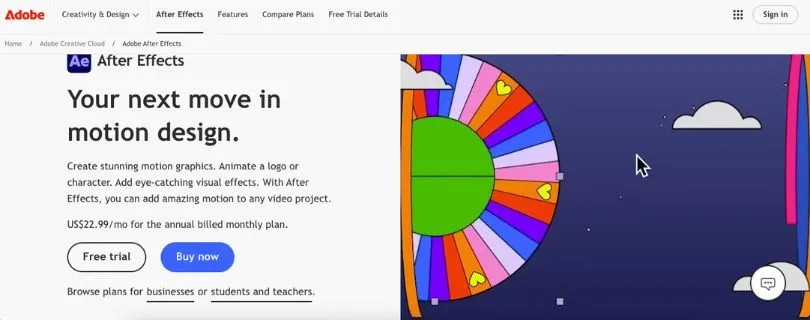
Adobe After Effects is a professional-grade motion graphics and visual effects software trusted by designers, animators, and filmmakers worldwide. With powerful tools for keyframe animation, compositing, and 3D motion, it gives you complete control over every frame. While it’s not browser-based, it remains the go-to solution for high-end motion design work.
Highlights:
- Precision keyframe animation and advanced motion controls
- Seamless integration with Adobe Creative Cloud apps
- 3D camera tracking and visual effects
- Rich plugin ecosystem for extended functionality
- Exports in high-quality formats for broadcast, web, or app
Adobe After Effects Pricing
- Free Trial: Adobe offers a 7-day free trial of After Effects.
- Single App: $22.99/month, billed annually, for the full After Effects app with updates and 100 GB of cloud storage.
- Creative Cloud Pro: $59.99/month for the first year on the annual billed-monthly plan, which includes After Effects plus 20+ Adobe apps.
- Teams: Starts at $37.99/user/month, billed annually; pricing may vary based on team size and region.
Best for:
Designers and studios creating professional-grade animations, VFX, or UI transitions with full creative control.
Why it’s a great Jitter alternative:
Adobe After Effects offers unmatched depth for motion design. It’s ideal for users who need advanced animation tools beyond browser-based limits. While it comes with a steeper learning curve, the customization and creative freedom are worth it.
2. LottieFiles
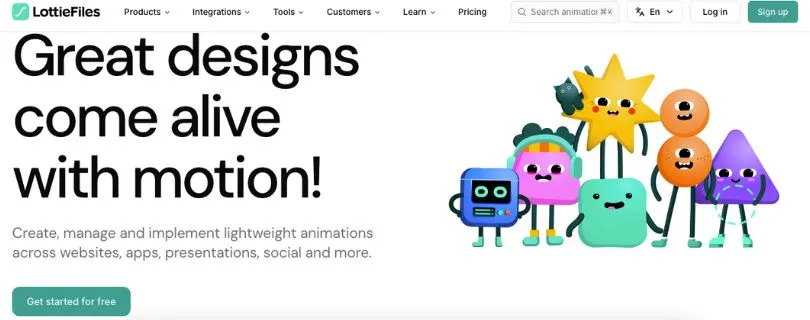
LottieFiles simplifies the process of creating and using lightweight animations across web and mobile platforms. It works with JSON-based animations powered by the Lottie framework, allowing designers to create motion that’s both scalable and fast-loading. With tools for editing, previewing, and collaborating, LottieFiles fits right into modern UI workflows.
Highlights:
- Supports bodymovin and JSON-based Lottie animations
- Live previews across devices and platforms
- Easy integration with Figma, After Effects, and code
- Collaboration features for teams
- Export-ready for iOS, Android, and web
LottieFiles Pricing:
- Free: Free plan with access to public animations, basic editing tools, and preview/testing features.
- Individual: $24.98/user/month, billed annually, with unlimited uploads, editing tools, and export options.
- Team: $34.98/user/month, billed annually, with collaboration tools and shared workspace features.
- Enterprise: $119.99/user/month, billed annually, with advanced security, hosting, and enterprise-grade features.
Best for:
UI/UX designers and developers who need high-performance, scalable animations for apps or responsive websites.
Why it’s a great Jitter alternative:
LottieFiles focuses on performance and cross-platform delivery. It’s perfect for teams that prioritize speed, responsiveness, and integration with design and dev tools. You get more control over lightweight animation delivery without sacrificing design quality.
3. Animaker
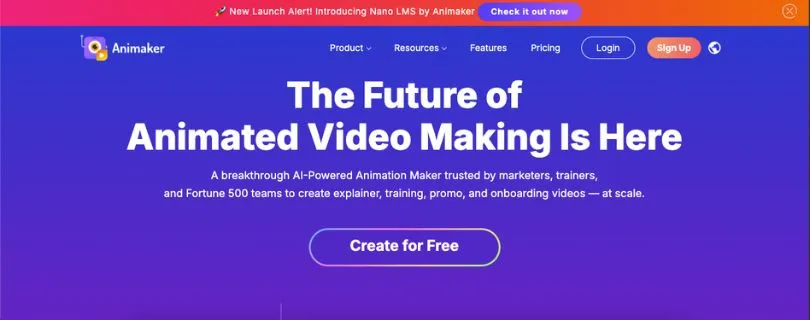
Animaker is a beginner-friendly animation platform designed for quick video creation. It offers a drag-and-drop interface with pre-built templates, characters, and motion presets. Whether you’re creating explainer videos, product demos, or animated content for social media, Animaker helps you do it fast without needing professional animation skills.
Highlights:
- Large library of templates, characters, and scenes
- Easy drag-and-drop animation controls
- Supports voiceovers, subtitles, and background music
- Direct export to YouTube and social platforms
- Team collaboration and brand kits
Animaker Pricing:
- Free: $0 plan with limited features and watermarked exports.
- Basic: $15/month (billed annually), includes HD videos, limited credits, and no watermark.
- Starter: $25/month (billed annually), includes FHD videos, more downloads, and AI tools.
- Pro: $43/month (billed annually), includes premium assets, higher video limits, and advanced features.
- Enterprise: Custom pricing for teams, with collaboration tools, 4K exports, and dedicated support.
Best for:
Marketers, content creators, and beginners who need to produce animated videos quickly with minimal learning curve.
Why it’s a great Jitter alternative:
Animaker is ideal for users focused on storytelling and video content over UI animation. If you’re looking for simplicity, speed, and ready-made assets, it’s a strong pick—especially for teams without motion design experience.
4. Vyond
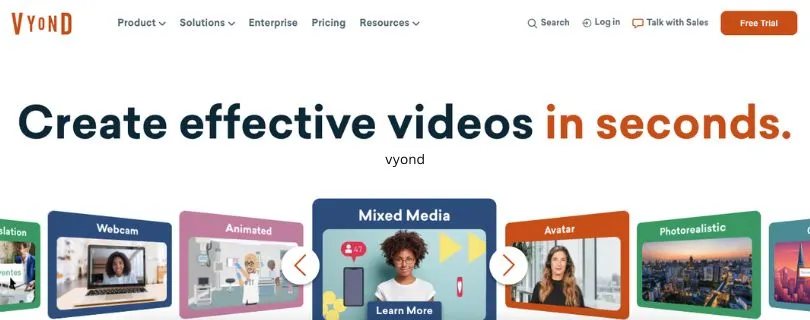
Vyond is built for creating professional animated videos that communicate ideas clearly. With a focus on business storytelling, it offers customizable characters, scenes, and transitions tailored for training, marketing, and internal communications. Its intuitive interface makes it accessible even for non-designers.
Highlights:
- Pre-built templates for business use cases
- Customizable characters and lip-sync features
- Timeline editor with drag-and-drop controls
- Library of props, music, and sound effects
- Collaboration tools for team workflows
Vyond Pricing
- Starter: Starts at $58/month per user (billed annually) or $99/month on monthly billing.
- Professional: Around $100/month per user (annual billing), with advanced animation and branding features.
- Enterprise: Around $137/month per user (annual billing), with collaboration, security, and team features.
- Agency: Around $167/month per user (annual billing), designed for agencies with large-scale production needs.
Best for:
Businesses creating training videos, explainers, or presentations that need animation without a complex setup.
Why it’s a great Jitter alternative:
Vyond shines when storytelling and communication are the priorities. It’s a great pick for teams that value speed, clarity, and branded content creation over frame-by-frame motion control.
5. Renderforest
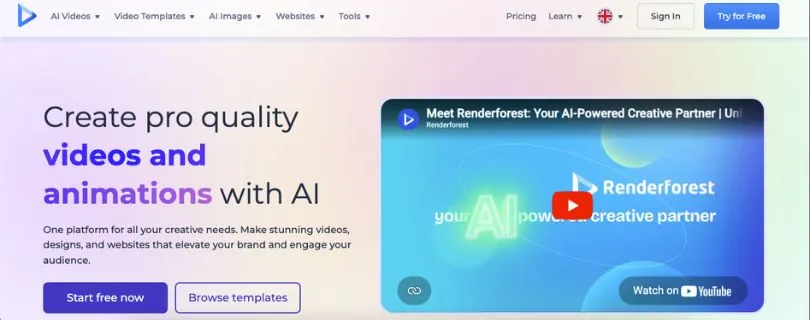
Renderforest is an all-in-one platform for creating animations, videos, logos, and mockups in the cloud. With a wide range of templates and visual assets, it’s built for users who want polished results without spending hours designing from scratch. Everything runs in the browser, with no software installation needed.
Highlights:
- Template-based animation creation for intros, explainers, and promos
- Built-in branding tools for logos and color schemes
- Cloud rendering with high-quality export options
- Supports video, mockup, and website creation
- Beginner-friendly interface with guided workflows
Renderforest Pricing
- Free: Free plan with limited features, HD exports, and watermark.
- Lite: Starts around $9/month (annual plan), includes 400 AI credits, HD exports, and limited stock assets.
- Pro: Starts around $19/month (annual plan), includes 1600 AI credits, Full HD exports, and full stock library access.
- Business: Starts around $49/month (annual plan), includes 3000 AI credits, 4K exports, and team features.
Best for:
Creators, small businesses, and marketers who want fast, high-quality animated content for branding or promotion.
Why it’s a great Jitter alternative:
Renderforest is perfect for users who value convenience and visual polish. It’s less focused on UI animation, but a strong choice if your priority is speed, brand consistency, and ready-to-use designs.
Also Read:
Jitter Plans and Pricing Explained
So which one should you use?
The right Jitter alternative depends on what you’re creating, how much control you need, and your experience level.
If you’re a professional motion designer or studio working on detailed animations, Adobe After Effects gives you full creative freedom and precision. It’s powerful, flexible, and built for complex motion work.
Need lightweight, developer-friendly animations for apps or websites? Go with LottieFiles. It’s built for performance and plays well with design tools like Figma and After Effects.
If you’re looking for speed and simplicity, Animaker and Renderforest are excellent for social videos, promos, and explainers. Both offer templates and drag-and-drop tools that make animation fast and approachable—even if you’ve never designed before.
For business-focused content like internal training or product walkthroughs, Vyond is the most efficient. It’s ideal for non-designers who need clean, professional-looking videos without a learning curve.



