Adobe Express makes quick designs feel effortless, especially for social media posts and simple graphics. But once you try to push beyond templates or need more control over branding, the cracks start to show.
Its clean interface works well for beginners who want fast results without a learning curve. Over time, though, limited customization, locked features, and pricing constraints can slow you down as your design needs grow.
I’ve personally tested and compared the best Adobe Express alternatives for 2026 to solve these exact problems. This list focuses on tools that offer more creative freedom, stronger AI features, and flexible pricing, so you can choose the right platform whether you’re designing quick visuals or building a consistent brand from scratch.
Why Should You Look for Alternatives to Adobe Express?
Adobe Express works well for quick designs, but it often starts feeling restrictive once your creative needs grow.
- Limited customization compared to other design tools
- Many useful features are locked behind the paid plan
- Not ideal for building consistent brand visuals at scale
- AI tools feel basic when compared to newer platforms
- Can become expensive if you design regularly or for clients
- Fewer advanced export and format control options
How I Chose and Ranked These Adobe Express Alternatives
I wanted this list to be genuinely useful, not just another roundup repeating the same names. So I focused on how these tools perform in real-world design workflows, not just on paper.
Here’s exactly what I looked at while selecting and ranking these Adobe Express alternatives:
- Ease of use for beginners without limiting creative freedom
- Design flexibility beyond basic templates and presets
- Quality and variety of templates, fonts, and assets
- AI features that actually save time, not just look good in demos
- Free plan limitations and how quickly paywalls appear
- Pricing fairness and value for long-term use
- Export quality and format options for professional work
A Quick Comparison of the Top Adobe Express Alternatives
If you just want a fast overview before diving into detailed reviews, this table will save you time. I’ve compared the tools based on how people actually use Adobe Express in day-to-day design work.
| Tool | Best For | Free Plan | Strong AI Features | Ease of Use |
| Canva | All-round graphic design & branding | Yes | Yes | Very easy |
| VistaCreate | Social media & animated visuals | Yes | Limited | Easy |
| Piktochart | Infographics & reports | Yes | Limited | Easy |
| Visme | Interactive content & presentations | Yes | Moderate | Medium |
| Snappa | Fast marketing graphics | Yes | No | Very easy |
| Desygner | Brand-focused template editing | Yes | Limited | Easy |
| Kapwing | Video, GIFs & social content | Yes | Moderate | Easy |
| Renderforest | Branding & promo videos | Yes | Limited | Easy |
| InVideo | AI-assisted video creation | Yes | Strong | Medium |
| Figma | Advanced design & team collaboration | Yes | Minimal | Steeper learning curve |
Top 10 Adobe Express Alternatives and Competitors
Alright, let’s get into the real options. Each of these tools approaches design differently and solves some of the limitations people usually hit with Adobe Express.
1. Canva
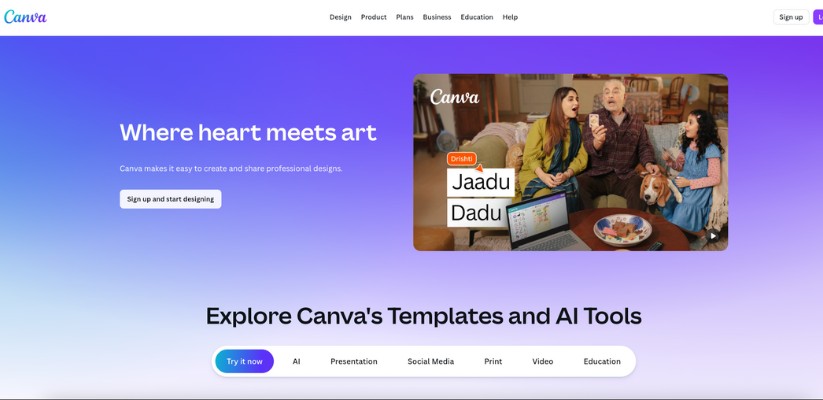
For many people, the search for an Adobe Express alternative starts and ends with Canva. And honestly, there’s a reason for that. Canva focuses on speed, simplicity, and flexibility without making design feel intimidating. You open it, pick a template, tweak a few things, and you’re done.
What sets Canva apart is how easily it scales with you. You can start with basic social media posts and slowly move into brand kits, presentations, and even light video content. It doesn’t trap you in rigid layouts, and you’re rarely fighting the tool to get the design you want.
Key features & benefits:
- Huge template library for social media, ads, presentations, and print
- Drag-and-drop editor that feels intuitive even for first-time users
- Built-in brand kit to keep fonts, colors, and logos consistent
- AI tools for writing, image generation, and background removal
- Strong collaboration features for teams and clients
Pricing:
- Free: Basic templates, limited assets, and exports
- Canva Pro: Starts at around $14.99/month with premium templates, assets, and brand tools
- Teams & Enterprise plans available for larger organizations
Bottom line: If you want an Adobe Express competitor that’s easy to use, flexible, and powerful enough for daily design work, Canva is the safest and most reliable choice for most creators and businesses.
2. VistaCreate
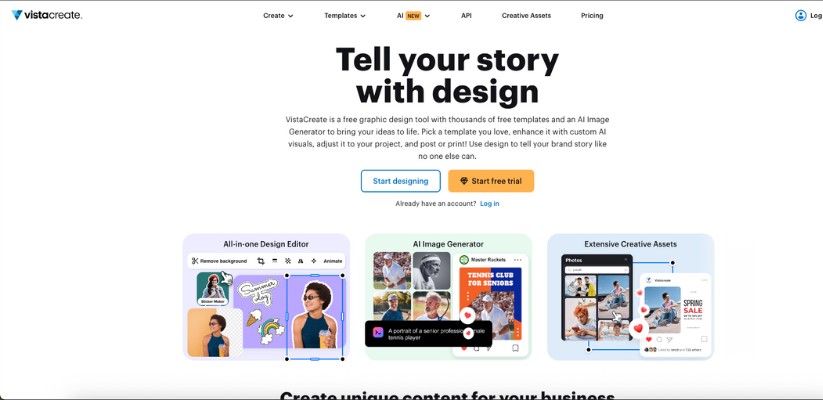
VistaCreate feels like it was built for people who live and breathe social media. It keeps things simple but doesn’t feel stripped down. If Adobe Express ever felt limiting for animations or quick visual content, VistaCreate is where you’ll notice the difference almost immediately.
The platform leans heavily into motion graphics, ready-made animations, and scroll-stopping visuals. You don’t need design experience to make things look polished, and you don’t feel locked into one specific style either.
Key features & benefits:
- Thousands of animated templates for social media and ads
- Easy-to-use editor with strong customization options
- Built-in animation and motion presets
- Access to stock photos, videos, and design elements
- Team collaboration for faster content creation
Pricing:
- Free: Limited templates and exports
- Pro: Starts at around $10/month with full access to animations and assets
- Team plans available for collaborative workflows
Bottom line: VistaCreate is a great Adobe Express alternative if your focus is social media visuals and animated content. It’s fast, practical, and gives you more creative breathing room without overcomplicating the design process.
3. Piktochart
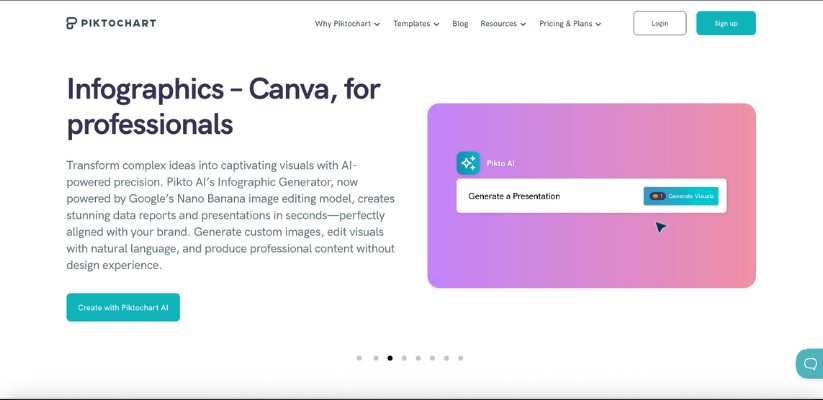
If your designs involve data, explanations, or storytelling, Piktochart immediately feels more capable than Adobe Express. It’s built for clarity. Instead of flashy templates, the focus here is on turning information into visuals that actually make sense to your audience.
Piktochart works especially well for infographics, reports, presentations, and educational content. You’re not forced into tight layouts, and editing feels intentional rather than rushed. When Adobe Express feels too surface-level, Piktochart gives you room to explain ideas properly.
Key features & benefits:
- Strong infographic and presentation-focused templates
- Easy visual editor with flexible layout control
- Built-in charts, maps, and data visualization tools
- Brand customization for consistent visuals
- Export options suited for reports and professional sharing
Pricing:
- Free: Limited templates and exports
- Pro: Starts around $29/month with full access to visuals and branding tools
- Team plans available for collaborative projects
Bottom line: Piktochart is a solid Adobe Express competitor if your work goes beyond social posts and into explainers, reports, or data-driven visuals where clarity matters more than speed.
4. Visme
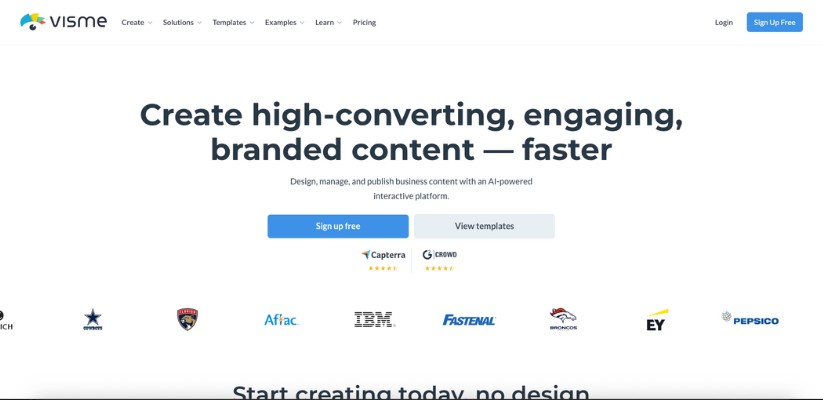
Visme sits right between simple design tools and more advanced creative platforms. It’s not just about making things look good. It’s about making them interactive and engaging. Compared to Adobe Express, Visme gives you more control over structure, content flow, and interactivity.
You can design presentations, infographics, documents, and even interactive visuals without needing design experience. It feels especially useful for marketers, educators, and teams that need visuals to do more than just exist on a screen.
Key features & benefits:
- Templates for presentations, reports, and marketing visuals
- Interactive elements like links, hover effects, and animations
- Data visualization with charts and widgets
- Brand kits and team collaboration tools
- Good balance between simplicity and control
Pricing:
- Free: Limited projects and features
- Starter: Begins around $12.25/month with more design flexibility
- Pro & Team plans for advanced use cases
Bottom line:Visme is a strong Adobe Express alternative if you want your designs to communicate, explain, and engage, not just look visually pleasing.
5. Snappa
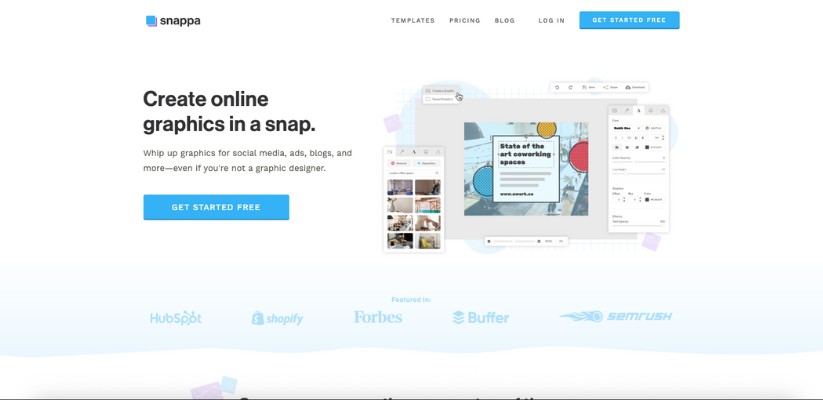
Snappa is built for speed. If Adobe Express ever felt a bit heavy for quick marketing graphics, Snappa takes the opposite approach. You open it, pick a layout, make a few edits, and export. No distractions, no clutter.
It’s especially useful for marketers and small teams who need banners, ads, blog images, or social media graphics without spending time learning a complex editor. You won’t find deep design controls here, but that’s exactly why it works so well for fast-paced content.
Key features & benefits:
- Ready-made templates for ads, blogs, and social media
- Simple drag-and-drop editor with zero learning curve
- Built-in stock photo library
- One-click resizing for different platforms
- Clean exports optimized for web use
Pricing:
- Free: Limited downloads per month
- Pro: Starts around $10/month with unlimited downloads
- Team plans available for collaboration
Bottom line: Snappa is a practical Adobe Express competitor if your priority is speed and simplicity over advanced customization.
6. Desygner

Desygner feels like it was designed for people who want control without complexity. It removes many of the restrictions you’ll notice in Adobe Express, especially around layout editing and brand consistency.
One of Desygner’s biggest strengths is how freely you can edit templates. You’re not locked into rigid designs, and brand elements stay consistent across projects. It also works smoothly on both desktop and mobile, which is surprisingly useful when you need to make quick edits on the go.
Key features & benefits:
- Fully editable templates with flexible layouts
- Strong brand management and style control
- Works well on mobile and desktop
- PDF editing and document design support
- Suitable for individuals and small teams
Pricing:
- Free: Basic features with limited assets
- Pro: Starts around $9.95/month with full design access
- Business plans available for teams
Bottom line:Desygner is a good Adobe Express alternative if you want more freedom while editing templates and better control over brand visuals without dealing with complicated tools.
7. Kapwing
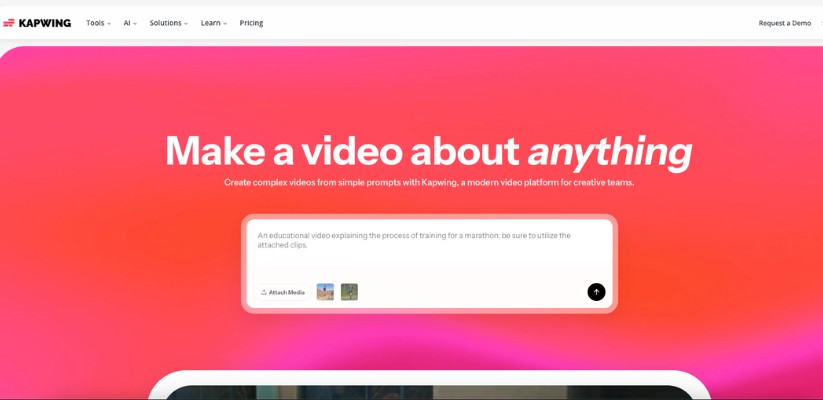
Kapwing is where design and video meet without friction. If you’ve ever felt limited by Adobe Express when working with videos, GIFs, or dynamic content, Kapwing feels like a breath of fresh air. It’s built for creators who want visuals that move, not just sit there.
Everything happens in the browser, and the workflow feels modern. You can jump between video editing, image design, subtitles, and memes without switching tools. It’s especially useful if your content lives on social platforms where motion grabs attention faster than static graphics.
Key features & benefits:
- Browser-based video and graphic editor
- Easy tools for captions, GIFs, and short-form videos
- Clean timeline editing without overwhelming controls
- Collaboration features for teams and creators
- Exports optimized for social platforms
Pricing:
- Free: Limited exports with watermark
- Pro: Starts around $16/month with watermark-free exports
- Team plans available for collaborative content creation
Bottom line: Kapwing is a strong Adobe Express competitor if your workflow includes videos, reels, or animated content and you want everything in one simple tool.
8. Renderforest
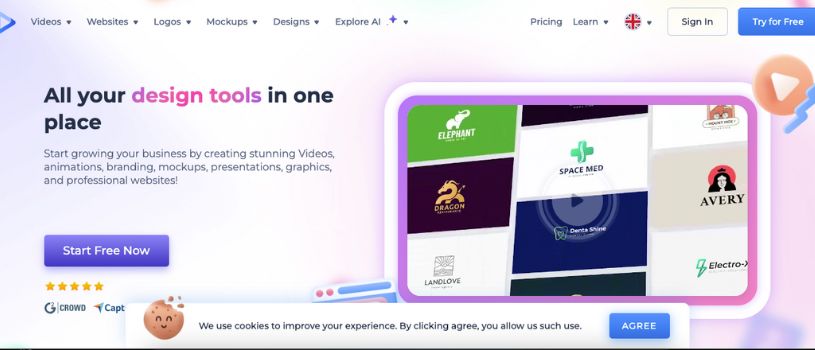
Renderforest is less about quick edits and more about building a visual identity. It shines when you need polished videos, logos, intros, or brand assets without hiring a designer. Compared to Adobe Express, it feels more structured and purpose-driven.
The platform guides you through each step, which makes it approachable even if you’ve never created a video or brand kit before. You choose a style, customize the content, and let the platform handle the heavy lifting.
Key features & benefits:
- Ready-made templates for videos, logos, and branding
- Simple customization with guided workflows
- Cloud-based rendering and storage
- Supports videos, mockups, and presentations
- Useful for startups and small businesses
Pricing:
- Free: Limited exports with branding
- Paid plans: Start around $9.99/month for higher-quality exports
- Business plans available for extended usage
Bottom line: Renderforest works best as an Adobe Express competitor when you want professional-looking videos and brand assets without spending time on manual design work.
9. InVideo

InVideo is for creators who lean heavily into video but don’t want the complexity of professional editing software. If Adobe Express feels limiting for video-first content, InVideo opens things up in a very practical way. You get structure, speed, and enough control to make videos feel polished.
What I like about InVideo is how it balances automation with flexibility. You can start from templates, scripts, or even text prompts, then fine-tune scenes, timing, and visuals without feeling lost. It’s especially useful for social videos, ads, and YouTube-style content.
Key features & benefits:
- Thousands of video templates for marketing and social media
- Text-to-video and script-based video creation
- Built-in stock videos, music, and voiceovers
- Simple timeline editing with guided controls
- Designed for fast video production
Pricing:
- Free: Limited exports with watermark
- Plus & Max plans: Start around $20/month for HD exports and premium assets
- Team and business plans available
Bottom line:InVideo is a strong Adobe Express alternative if video is a core part of your content strategy and you want results fast without learning complex editing tools.
10. Figma
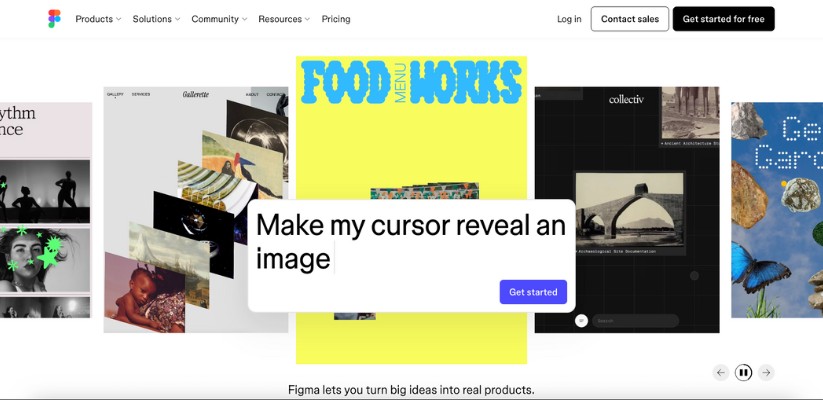
Figma isn’t a direct replacement for Adobe Express, but it’s often where people end up once they outgrow template-based tools. It’s built for control, collaboration, and precision. If Adobe Express ever made you feel boxed in, Figma removes those walls completely.
This tool works best when you want full freedom over layouts, typography, and spacing. It’s not about quick presets. It’s about designing exactly what’s in your head and working with others in real time. There’s a learning curve, but the payoff is worth it.
Key features & benefits:
- Real-time collaboration with team members
- Full design control over layouts and components
- Cloud-based workflow with version history
- Reusable components and design systems
- Works well for web, app, and brand design
Pricing:
- Free: Basic design features for individuals
- Professional: Starts around $12/month per editor
- Organization plans for larger teams
Bottom line: Figma is the right Adobe Express alternative if you’re ready to move beyond templates and want complete creative control, especially for collaborative or long-term design work.
Also Read:
Top Jitter Alternatives for Video Editing
Genmo Alternatives & Competitors for AI Video Creation
How to Choose the Right Adobe Express Alternative for You
Choosing the right tool gets easier once you’re clear about what you actually design and how much creative control you need. You don’t need the “best” platform, you need the one that fits your workflow.
- If you’re a beginner or solo creator: Go with Canva or VistaCreate for fast designs, ready-made templates, and an easy learning curve
- If you handle marketing or small business branding: Visme or Desygner offer better brand control and more flexible layouts
- If video content is your priority: Kapwing or InVideo work better than static-focused tools
- If you want polished branding assets quickly: Renderforest helps with logos, promos, and intros
- If you need full design freedom and collaboration: Figma is the better long-term choice
Final Thoughts
Adobe Express is a solid starting point, but it’s not built for everyone. As your design needs grow, limitations around customization, pricing, and flexibility become harder to ignore. That’s usually when switching tools starts to make sense.
The good news is you’re not short on options. Whether you care about speed, branding, video content, or full creative control, there’s an Adobe Express alternative that fits better. Pick the one that matches how you actually work, and your designs will feel easier, faster, and more enjoyable to create.
FAQs About Adobe Express Alternatives and Competitors
Why should I consider Adobe Express alternatives if Adobe Express works fine for quick designs?
Adobe Express is a solid option for fast, template-based graphics, but it starts to feel restrictive as your design needs grow. Many alternatives offer better customization, stronger video tools, and more flexible pricing, which makes them easier to rely on for long-term or professional design work.
How do I decide which Adobe Express alternative is best for my needs?
The right choice depends on what you create most often. For everyday social media and marketing visuals, tools like Canva or VistaCreate are a safe pick. If your focus is branding, video content, or advanced layouts, platforms like InVideo, Renderforest, or Figma usually fit better.
Are all Adobe Express alternatives AI-powered, or do they work differently?
Not all Adobe Express alternatives rely heavily on AI. Some tools focus more on templates and manual design control, while others use AI to speed up tasks like background removal, content creation, or video generation. The key is choosing a tool where AI actually helps your workflow instead of getting in the way.
What if I need design tools for both graphics and video content?
In that case, Adobe Express alternatives like Kapwing, InVideo, or Renderforest make more sense. They’re built to handle video, animations, and motion graphics alongside static designs, which reduces the need to switch between multiple tools.
Can Adobe Express alternatives integrate with team workflows and brand systems?
Yes, many of these tools support team collaboration, shared brand kits, and cloud-based workflows. Platforms like Canva, Visme, and Figma are especially strong when multiple people need to work on the same designs or maintain brand consistency.
Are there free plans available among Adobe Express alternatives?
Most of the popular Adobe Express alternatives offer free plans or trials. Tools like Canva, VistaCreate, Piktochart, Kapwing, and Figma let you test core features before paying, which makes it easier to find the right fit without upfront commitment.
How do Adobe Express alternatives compare in terms of scalability?
Scalability depends on how you use the tool. Canva, Visme, and Figma scale well for teams and growing businesses, while video-focused platforms like InVideo and Renderforest scale better for content-heavy workflows. Choosing early helps avoid switching tools later as your needs expand.