Looking for better alternatives to Domo AI for video creation?
I have tested a bunch of AI tools that go beyond what Domo offers, and some of them honestly surprised us.
In this post, we’ll walk you through 10 powerful Domo AI alternatives that can help you turn text, images, or ideas into high-quality videos with ease. Whether you’re creating content for social media, marketing, or just for fun, these tools give you more flexibility, creative control, and often, better results.
Domo AI has had its moment, but if you’re craving more features or different styles, it’s worth seeing what else is out there. Let’s get into the top Doma alternatives that are making waves right now.
Why Should You Look for a Doma AI Alternative?
Domo AI is a solid tool, but it’s not the only option out there. Depending on your goals, you might find other platforms that fit your workflow better or offer more creative freedom.
Here are a few reasons why creators are exploring alternatives to Domo AI:
- Limited video styles – If you’re looking for more variety or cinematic effects, Domo’s output can feel a bit basic.
- No true free plan – With free trials getting more restrictive, it’s harder to test the platform without committing.
- Slow processing times – For larger projects or high-res videos, the wait time can interrupt your momentum.
- Lack of editing tools – Once a video is generated, your ability to tweak or refine it is pretty limited.
- Better options now exist – New AI video tools are launching fast, and many come packed with features Domo hasn’t caught up to yet.
My Criteria for Selecting and Ranking the Top Domo AI Alternatives
To build a list that’s actually helpful, I focused on features and performance factors that real creators care about, not just what sounds good in theory.
Video Quality
I looked for tools that consistently produce sharp, professional looking videos. Whether it’s a short social clip or a longer project, quality matters if you want something that’s truly usable without major touch ups.
Creative Control
Some platforms let you fine tune style, pacing, and movement, while others are more limited. I prioritized tools that give you more say in how the final video turns out.
Speed and Performance
Nobody wants to wait forever for a video to render. I tested how quickly each tool processes content and how well it handles more demanding tasks or longer inputs.
Ease of Use
A clean interface means nothing if the tool is hard to navigate. I gave extra points to platforms that are beginner friendly and make the creation process feel smooth from start to finish.
Pricing and Free Access
Free trials and freemium plans are great, but only if they actually let you explore real features. I looked for platforms that offer fair pricing and real value before asking you to pay.
Unique Features
Some tools go beyond the basics with advanced animation, camera effects, or audio syncing. I highlighted options that do something different from Domo AI and open up more creative possibilities.
User Feedback
I didn’t just rely on my own experience. I dug into reviews from real users on sites like G2, Capterra, and Reddit to get a broader sense of how each platform performs in real world use.
Quick Comparison of the Top Domo AI Alternatives for 2026
Here’s a quick side-by-side look at the top Domo competitors you should try in 2026
| Tool | Best For | Free Plan | Customization Level | Ease of Use |
| Pika Labs | Cinematic text-to-video storytelling | Yes | Medium | Easy |
| Runway ML | Advanced video editing with AI assistance | Limited | High | Intermediate |
| GoEnhance AI | Free, anime-style and stylized video generation | Yes | Low | Very Easy |
| Jitter AI | Quick UI motion and lightweight animations | Yes | High | Easy |
| Synthesia | AI avatars and multilingual explainer videos | No | Medium | Easy |
| Lumen5 | Turning blogs and scripts into social videos | Yes | Medium | Easy |
| DeepBrain | Automated video creation with lifelike avatars | Limited | Medium | Easy |
| Adobe Express | Branded short videos for marketing and social | Yes | High | Easy |
| Genmo AI | Experimental animation and abstract visuals | Yes | Medium | Easy |
| InVideo | High-volume content creation using templates | Yes | High | Easy |
Top 10 Domo AI Alternatives and Competitors
Here are 10 strong alternatives to Domo AI worth trying:
1. Pika Labs
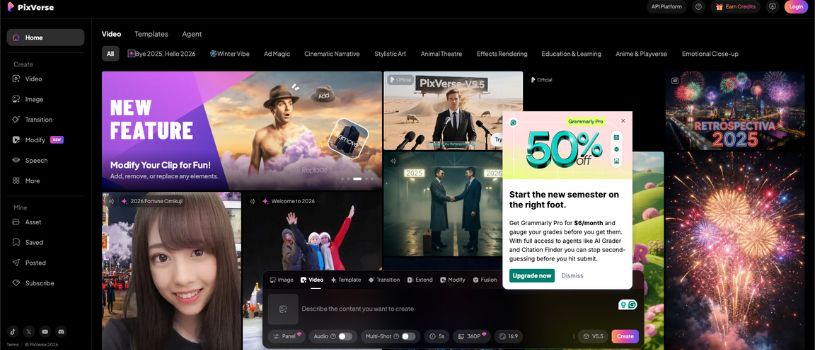
Pika Labs is an AI video generation platform that transforms simple text prompts into cinematic video clips. You can describe a scene or motion in natural language, and Pika will create dynamic videos with camera movement, transitions, and vivid visual effects. It’s especially useful for short-form storytelling, content teasers, or visually rich creative concepts.
Highlights:
- Text-to-video generation using natural prompts
- Built-in camera motion and scene transitions
- Web-based interface with simple controls
- High-quality, stylized output
- Strong creative community and frequent updates
Best for: Creators and marketers who want to turn ideas into visually compelling short videos without traditional editing.
Why it’s a great Domo AI alternative:Pika Labs offers more creative flexibility and movement-focused visuals, making it ideal for users who want cinematic storytelling over static scene generation.
Also Read:
Best Pika labs alternatives for creating AI videos
2. Runway ML
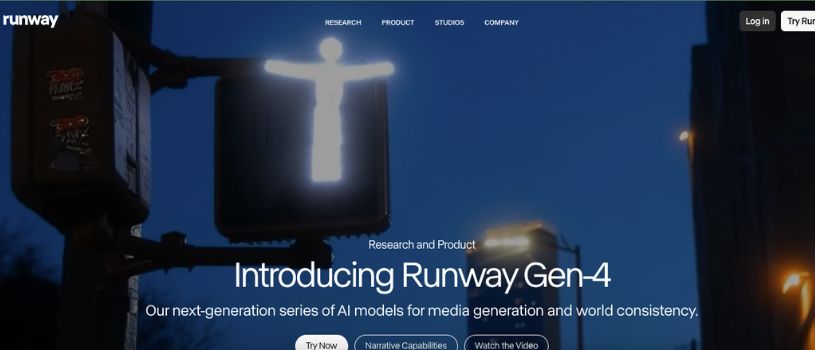
Runway ML is more than just a video generator. It’s a full creative toolkit powered by AI. Whether you’re generating videos from prompts, editing footage, or experimenting with visual effects, Runway gives you the control and flexibility that most other platforms skip. It feels like a bridge between professional editing software and next-gen AI magic.
Highlights:
- AI-powered video generation using Gen-2
- Built-in video editing tools with timeline support
- Features like background removal and motion tracking
- Real-time preview and collaborative workspace
Best for: Filmmakers, video editors, and content creators who want more control and flexibility without sacrificing speed.
Why it’s a great Domo AI alternative:Unlike Domo AI, which focuses only on generation, Runway lets you edit, refine, and fully shape your content all within one platform. It’s perfect if you need both creativity and control in your workflow.
3. GoEnhance AI
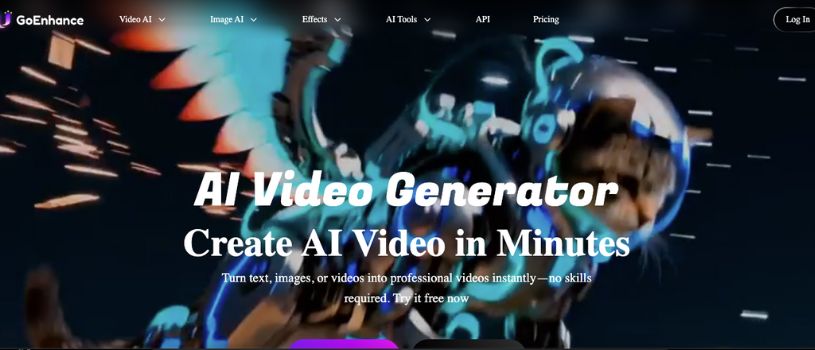
GoEnhance AI is a fast, lightweight AI video tool designed for creators who want animated results without the wait or complexity. It’s especially popular for anime-style and stylized visual effects, making it a favorite among digital artists and short-form video creators.
Highlights:
- Free to use with no signup required
- Style-based video generation from images or text
- Fast processing with smooth animation output
Best for: Creators who want quick, stylized videos with minimal input and no learning curve.
Why it’s a great Domo AI competitor:GoEnhance offers more creative freedom when it comes to visual style, plus it’s free to try without limitations. It’s ideal if you’re looking for something more playful or artistic than Domo’s typical output.
4. Jitter AI
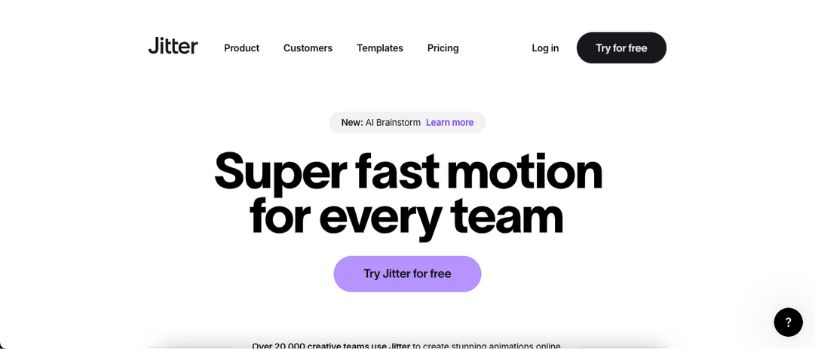
Jitter AI focuses on motion design, making it easy to animate text, icons, and UI elements with simple controls. It’s built for quick visual communication, perfect for creating animated content for social posts, product demos, or even interface mockups. You don’t need After Effects skills to make things look smooth and professional.
Highlights:
- Easy animation of text, shapes, and interface elements
- Real-time preview in the browser
- Templates for social content and UI motion
- Export as video or Lottie for web use
Best for: Designers and creators who want lightweight animations for UI prototypes, presentations, or quick social clips.
Why it’s a great Domo AI alternative:Jitter gives you more control over micro-interactions and typography animations. It’s a strong pick if you’re focused on motion graphics rather than full-scene video generation like Domo offers.
Also Read:
Top Jitter AI Alternatives for Video Creation
5. Synthesia
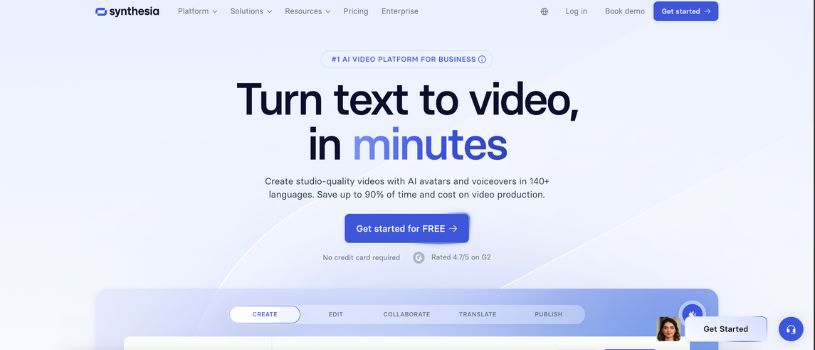
Synthesia is a top-tier AI video platform that focuses on realistic, human-like avatars and voiceovers. Instead of animating scenes or effects, it generates professional videos with digital presenters, making it ideal for training, tutorials, or corporate communications.
Highlights:
- AI-generated avatars with natural-looking speech
- Support for 120+ languages and accents
- Easy script-to-video workflow
- Upload your own brand assets, slides, and visuals
- Custom avatars available for enterprise use
Best for: Businesses, educators, and teams creating explainer videos, internal training, or multilingual content at scale.
Why it’s a great Domo AI alternative:Synthesia does something Domo can’t—put a lifelike digital presenter front and center. If your goal is communication and professionalism over animation, this is the better fit.
6. Lumen5

Lumen5 is a go-to platform for turning blog posts, scripts, or marketing copy into engaging videos. It’s designed for content teams and social media managers who want to repurpose written content into scroll-stopping visuals without needing a video editor on the team.
Highlights:
- Script or blog-to-video automation
- Drag-and-drop editor with thousands of templates
- Built-in media library with stock footage and music
- Brand kit support for logos, fonts, and colors
Best for: Marketers, content creators, and teams that need to produce consistent video content quickly and easily.
Why it’s a great alternative to Domo AI:Lumen5 shines where Domo falls short: turning long-form content into video. If you’re working with blogs, captions, or repurposing written material, Lumen5 makes the process painless.
7. DeepBrain
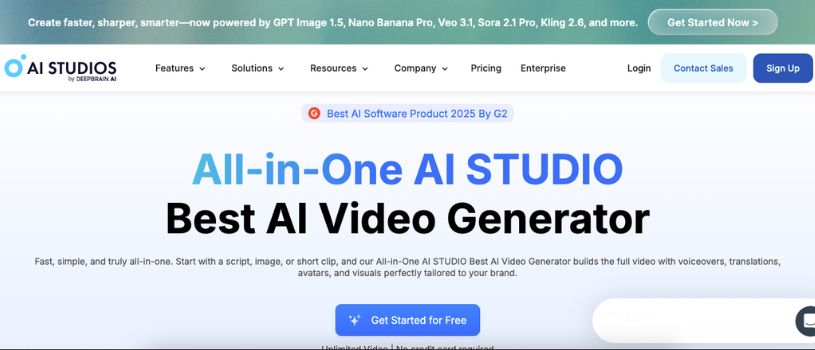
DeepBrain focuses on automating video creation through realistic AI avatars and voiceovers, similar to Synthesia but with a slightly different workflow. It’s ideal for instructional content, onboarding videos, and digital customer communication where clear messaging matters most.
Highlights:
- Lifelike presenters with natural voice syncing
- Text-to-video in just a few clicks
- Supports multiple languages and tones
- Offers a variety of professional avatar styles
- Timeline-based editor for pacing and structure control
Best for: Teams that want to automate video communication at scale without hiring presenters or editors.
Why it’s a great Domo AI alternative:DeepBrain gives you a polished, professional look with almost zero effort. Unlike Domo, which focuses on visual storytelling, DeepBrain is built for direct communication and clarity.
8. Adobe Express
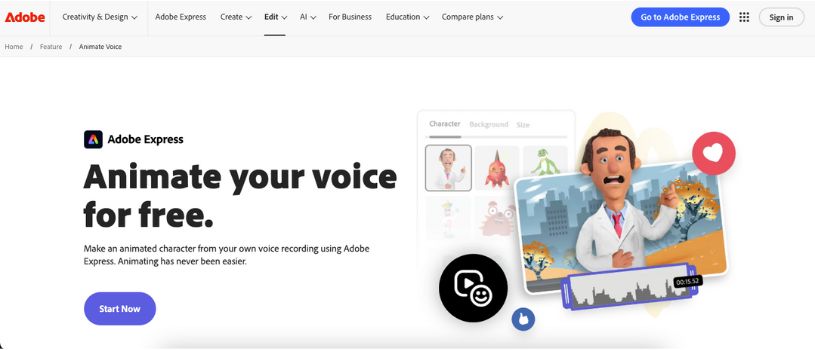
Adobe Express brings the power of Adobe’s creative ecosystem into an easy-to-use tool for making quick, polished videos. It’s designed for users who want pro-level design without diving into complex software like Premiere Pro. With built-in templates and simple editing tools, it’s a solid choice for social media content, ads, and short branded videos.
Highlights:
- Hundreds of animated video templates
- Integration with Adobe Stock, Fonts, and Creative Cloud
- Drag-and-drop timeline editor
- Easy resizing for multiple platforms
Best for: Content creators and small businesses who want sleek, branded videos with minimal effort.
Why it’s a great alternative of Domo AI:Adobe Express puts more control in your hands when it comes to design and branding. While Domo generates video from prompts, Express helps you shape every part of your content without needing technical skills.
Also it comes with effective pricing plans that you can check here:
Adobe Express Pricing Explained: Choose Right Plan
Also Read:
Best Adobe Express Alternatives
9. Genmo AI
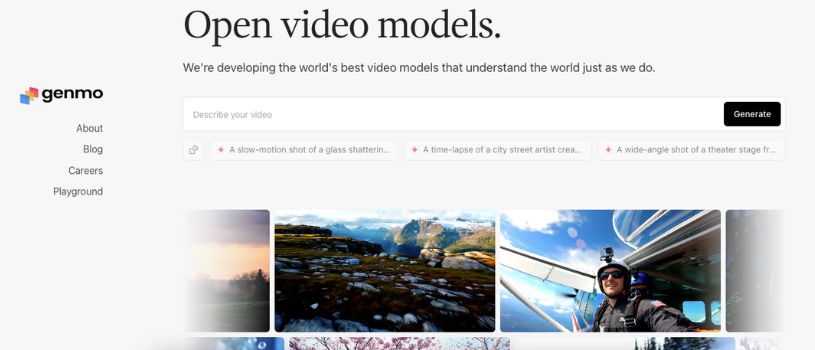
Genmo AI is an experimental video creation tool that lets you animate text prompts, drawings, and even photos into motion. It’s still in early stages, but already shows impressive results with visual storytelling and short animated clips that feel creative and alive.
Highlights:
- Animate sketches, photos, and text prompts
- Strong artistic and surreal style outputs
- Simple web interface with fast generation
- Option to guide scenes with visual input
Best for: Artists and creatives who want to experiment with abstract motion and expressive visuals.
Why it’s a great Domo AI competitor:Genmo AI offers more personality and creative edge with better plans and pricing. It’s a fun option when you’re tired of safe, templated visuals and want to explore what’s possible with generative video.
Also Read:
Best Genmo Alternatives and Competitors
10. InVideo

InVideo is a full-featured online video editor with built-in AI tools that help automate the creation process. You can start with a script or idea, and InVideo will build out a structured video using templates, stock footage, and voiceovers. It’s well-suited for social media, ads, YouTube content, and even corporate videos.
Highlights:
- AI-powered script-to-video creation
- 5000+ customizable templates
- Built-in voiceovers and stock asset library
- Multi-language support
- Intuitive timeline editor for manual tweaks
Best for: Marketers, YouTubers, and agencies that want to produce high-volume content efficiently.
Why it’s a great alternative to Domo AI:InVideo gives you more structure and editing tools, especially if you’re working with text-heavy scripts or need ready-made templates to speed up production.
How to choose the right Domo Alternative?
Finding the best Domo AI alternative comes down to what kind of videos you’re creating, how much control you want over the process, and your comfort level with creative tools. There’s no single tool that works for everyone, but there are clear options depending on your goals.
If you’re a beginner or just want quick results without editing, tools like GoEnhance AI or InVideo are great picks. They offer user-friendly interfaces and generate videos with minimal input, making them perfect for social posts, personal projects, or quick creative ideas.
For creators and teams who want more flexibility and polish, platforms like Runway ML, Pika Labs, or Adobe Express provide deeper customization, timeline control, and professional-quality output. These are better suited for marketers, content teams, and anyone producing client-facing or branded content.
Think about what matters most to you, whether it’s visual quality, speed, custom branding, or budget. Also consider factors like export formats, voice support, available templates, and how much editing control the platform gives you before making your pick.
Final Thoughts
Domo AI is a solid starting point, but it’s far from your only option. Whether you’re looking for more creative control, faster output, or better style variety, there’s something out there that fits your needs. The tools we covered offer fresh ways to bring your video ideas to life.
Choosing the right platform depends on what you’re creating and how hands-on you want to be. Some tools are built for speed and simplicity, while others give you room to fine-tune every detail. Either way, now you’ve got the options to take your content to the next level.
FAQ (Frequently Asked Questions)
What are the main advantages of using AI video creation tools?
AI video tools help creators produce high-quality videos quickly and without the need for advanced editing skills. They streamline the process, reduce costs, and make video creation accessible to everyone, including beginners.
How do these Domo AI alternatives compare to Domo itself?
While Domo AI is a strong option, many alternatives offer more features, better customization, or improved video quality. Some tools focus on creativity and animation, while others excel in realistic avatars or marketing-ready content.
Can I create professional-quality videos using these tools?
Yes, many of the tools listed here are used by professionals for business, education, and social media. Platforms like Runway ML, Synthesia, and InVideo deliver results that are polished and ready for real-world use.
Are these Domo AI alternatives beginner-friendly?
Most of them are very easy to use. Tools like GoEnhance AI, Adobe Express, and InVideo are built with beginners in mind, offering simple interfaces and guided workflows to help you get started quickly.
Do these AI video tools get updated regularly?
Yes, most platforms are actively developed and frequently updated with new features, improved output quality, and performance upgrades. It’s a good idea to check their websites or changelogs to stay current with what’s new.